Affinity Photo is an alternative and cheaper photo editing software similar to the Photoshop. You can get it for free if you are a student in an educational institute.
Refer to the Affinity Photo section to access key shortcuts.
Frame Text Tool
Blank container
Frame Text Tool
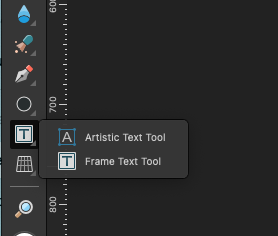
To create text boxes in Affinity Photo left-click and hold mouse, then select the Frame Text Tool. Then drag & drop to create the area to fit the text inside of.
Copy/Paste Layer FX
- Adjust the FX settings.
- Select the layer.
- Hit
CMD + C - Select destination layer.
- Hit
CMD + Ctrl + V
Make Selection
- Use pen tool to create curve
- When pen tool is selected hit “selection” button on top left corner.
Creating Grid Templates
Watch the following YouTube video to learn the basics of utilizing grids in your design.
Duplicating Objects
The following YouTube video showcases how to create grids using key combinations.
- Select an object
- Hold down
⌥key - If you click
RIGHT ARROWkey the object is duplicated to the right. - If you click
LEFT ARROWkey the object is duplicated to the left. - If you hold down
RIGHT ARROWkey the distance between the original shape and duplicated shape increases or decreases. The same practice is relevant for each direction.
Snapping Duplicated Objects
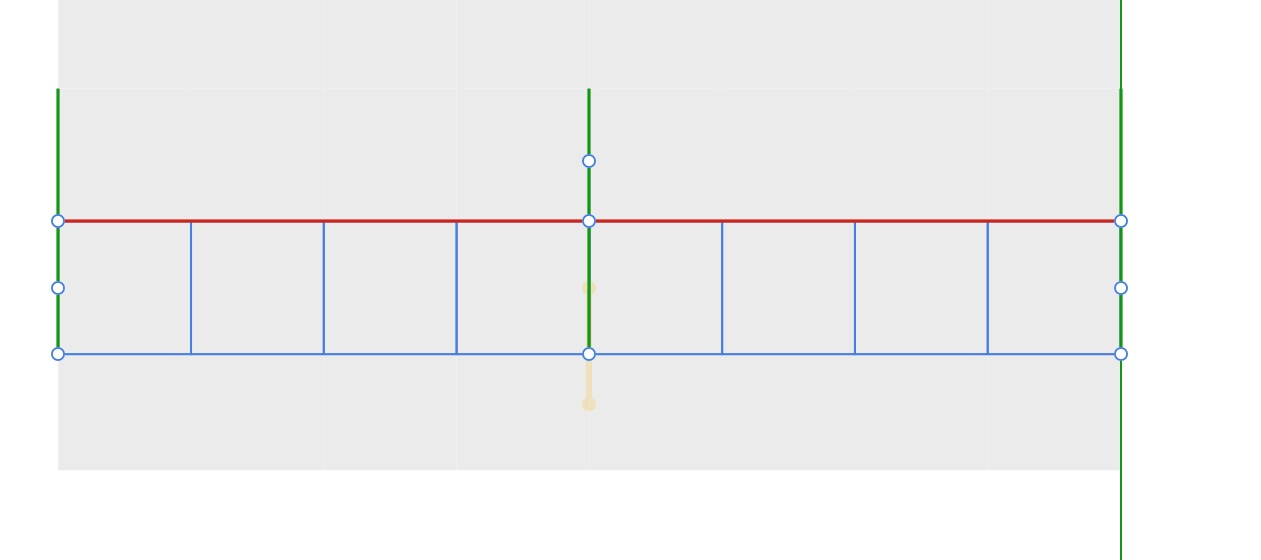
1. Enable Snapping by clicking on 🧲 icon on top-right corner of the app.
2. Select the object.
3. Hold down ⌥ key and drag the copy of the object.
4. When it is duplicated, release the ⌥ key.
5. Move the mouse to the object which you want to snap. You should see a red line on the edges of the object(s).
2. Select the object.
3. Hold down ⌥ key and drag the copy of the object.
4. When it is duplicated, release the ⌥ key.
5. Move the mouse to the object which you want to snap. You should see a red line on the edges of the object(s).
Shape Builder
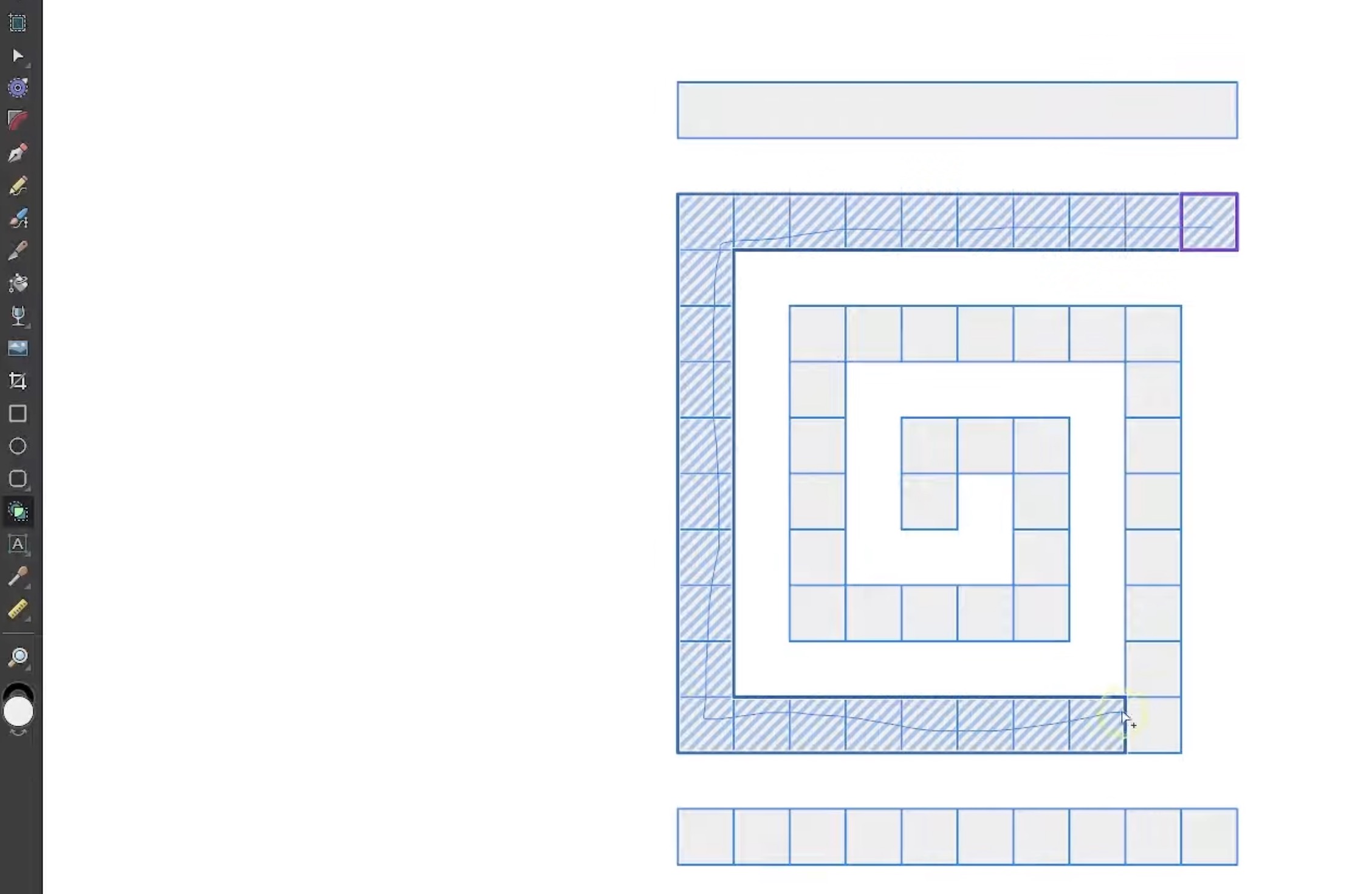
Similar to the Illustrator you can use shape builder tool in
1. Choose Shape Builder tool.
2. Select the objects you want to build a shape.
3. Hold down ⌥ key to remove objects
Vector mode. It makes easier to work with vector objects.1. Choose Shape Builder tool.
2. Select the objects you want to build a shape.
3. Hold down ⌥ key to remove objects
Vector Blob Brush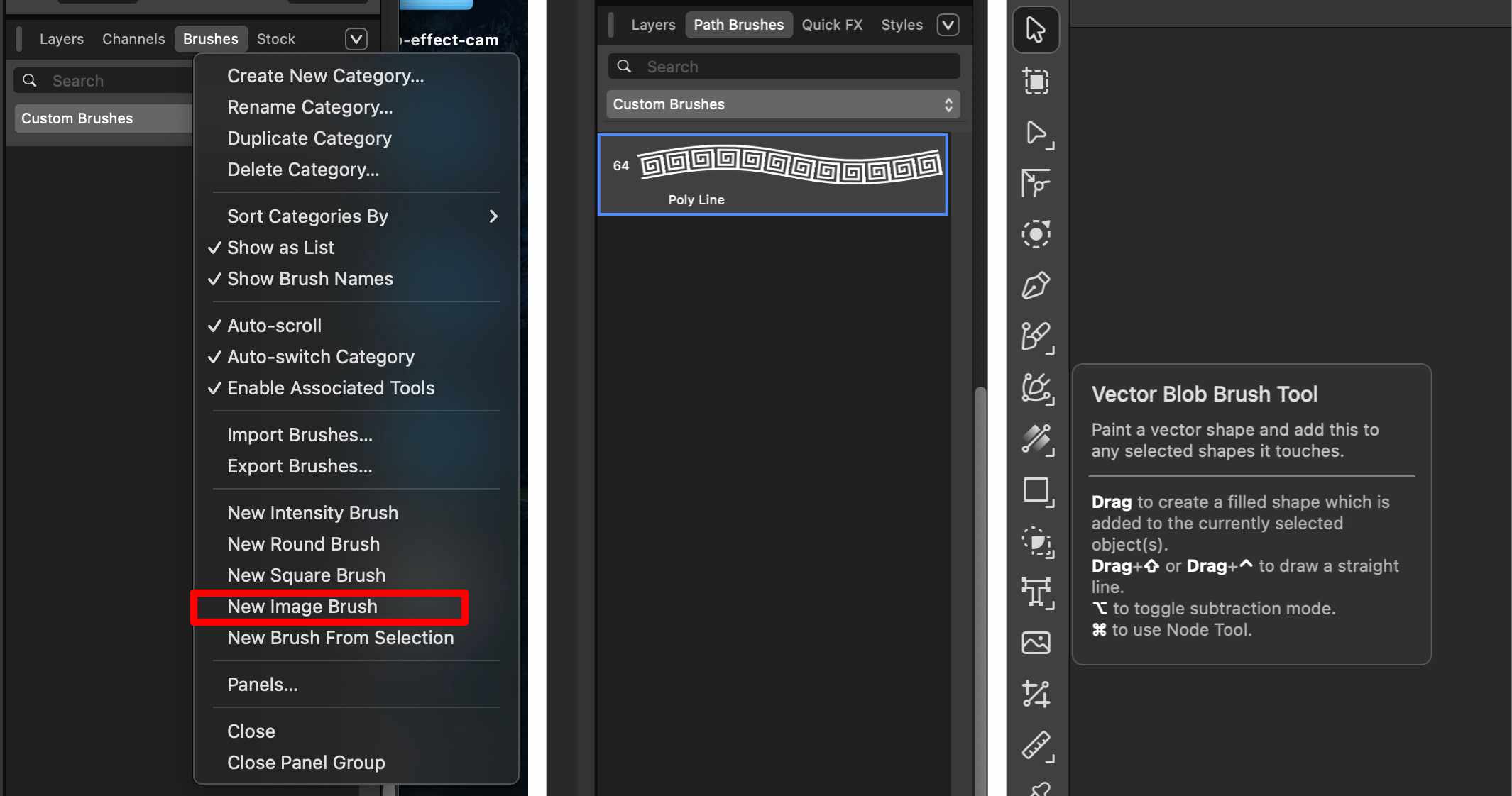
- Goto
Vectormode. - Choose
Vector Blob Brush Tool. - Create a texture you want to use with a brush or path tool.
- Save the image as png. (Larger resolution works best)
- Jump to
Brushestab on theLayerspane located on the bottom-right.
Removing Artifacts
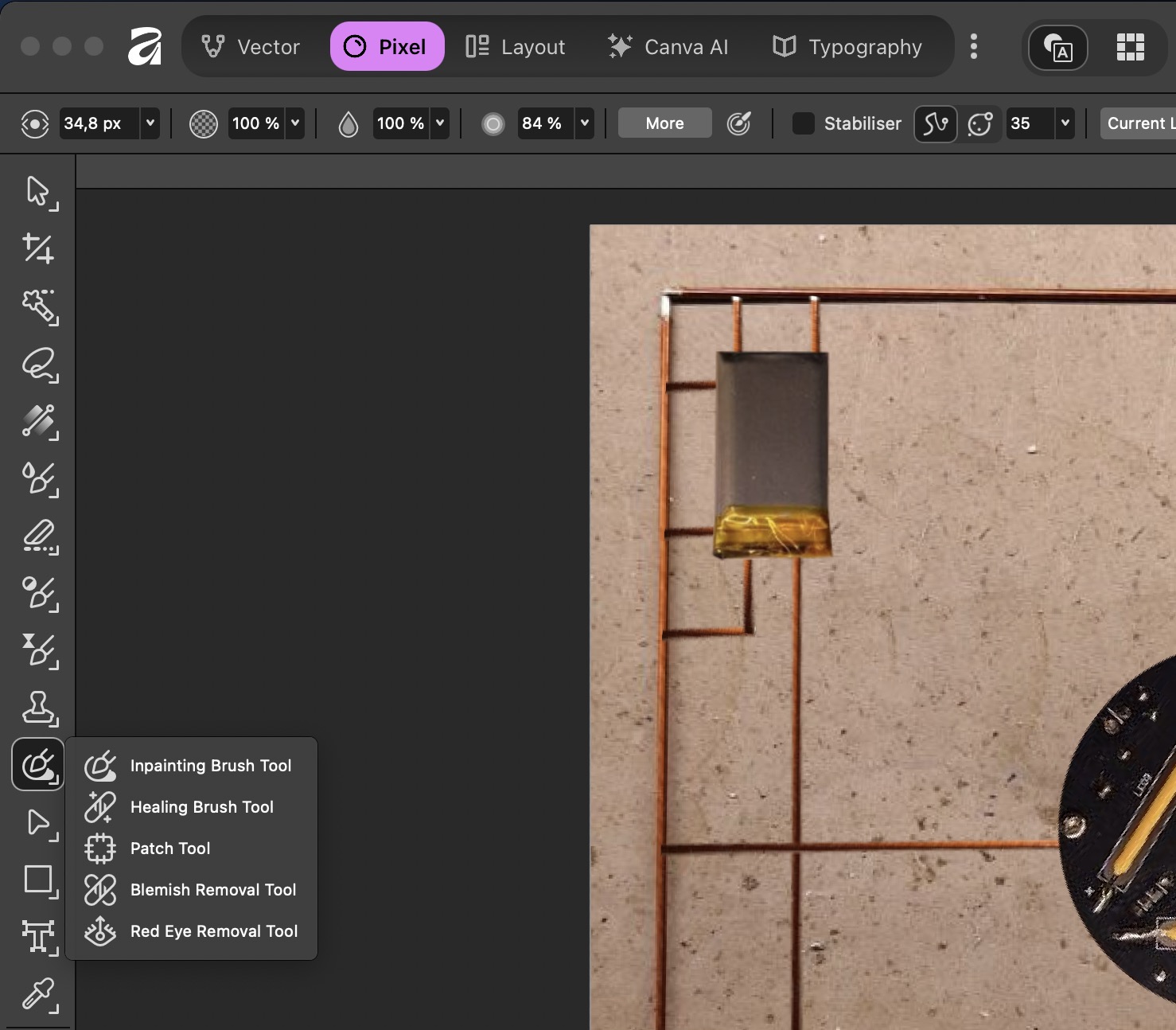
In Pixel mode, choose Inpainting Brush Tool. It works similar to stamp tool. For quick editing you can use this method.